
NFC informacijska oznaka za ogrlicu
Pomozite svom ljubimcu da lako pronađe put kući




Naručite svoj Doggypass sada
Snažan digitalni identitet koji pomaže vašem psu da se brže vrati kući.
Kako funkcionira
Naučite kako koristiti svoju Doggypass NFC oznaku
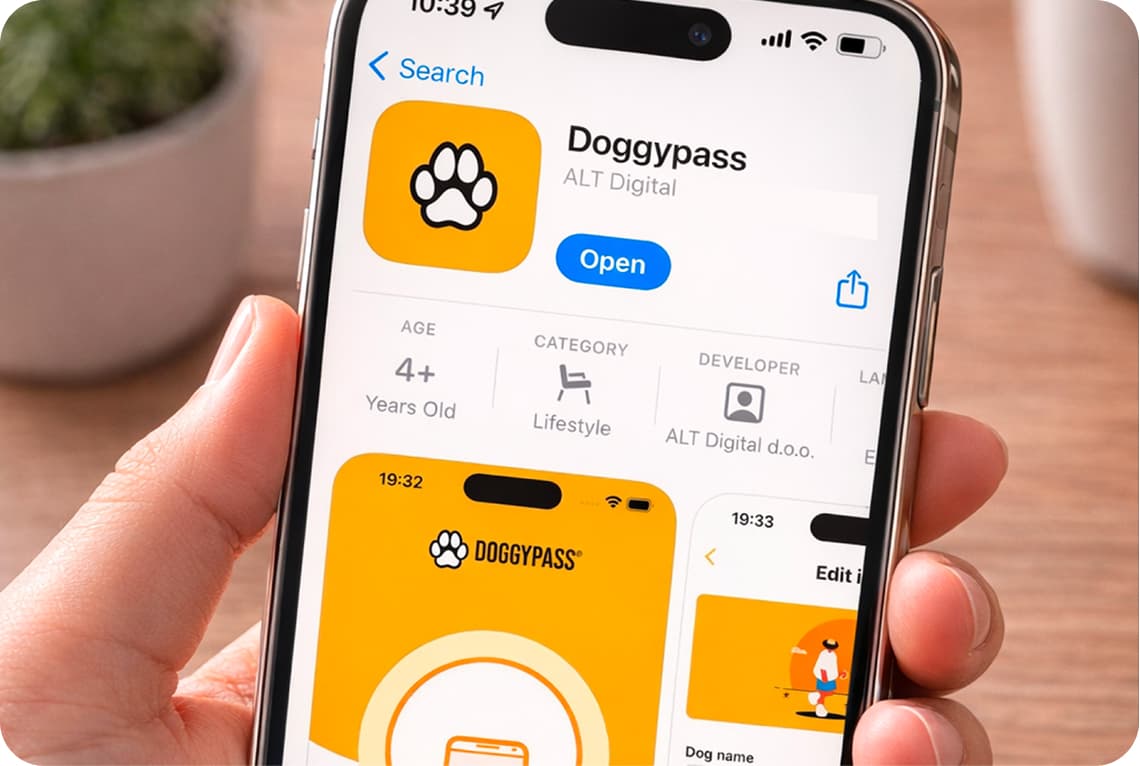

Preuzmite aplikaciju
Preuzmite aplikaciju s App Storea ili Google Playa
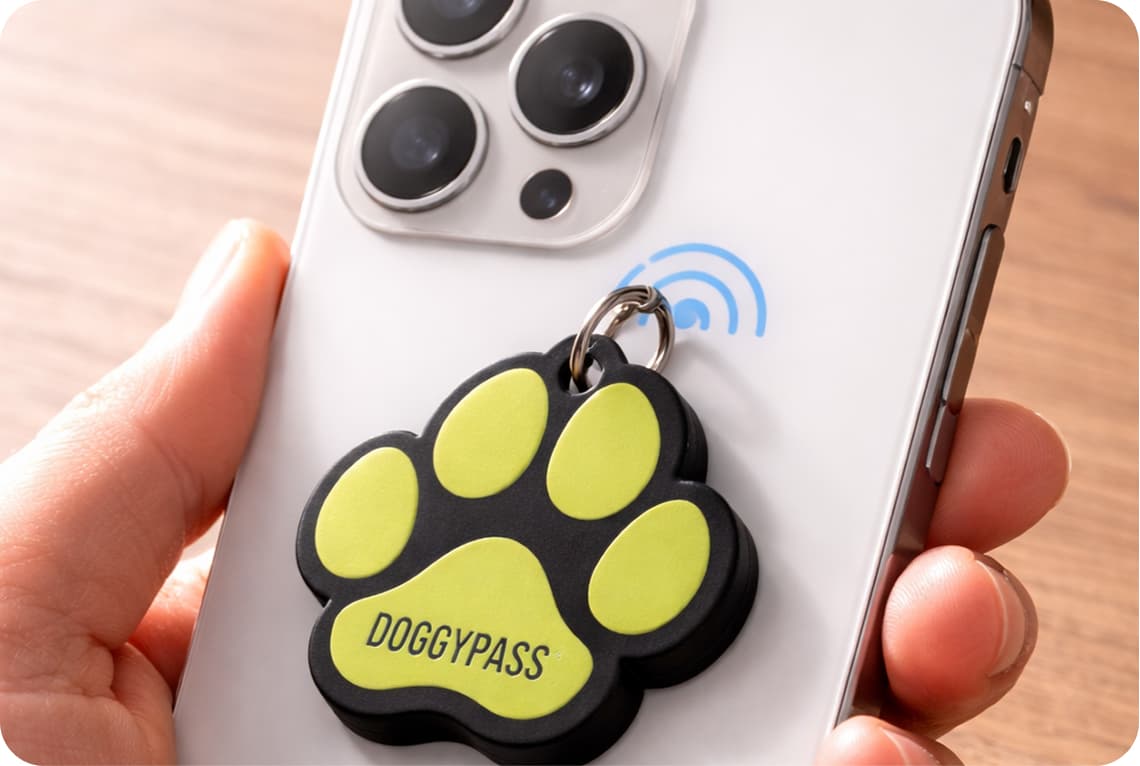

Skenirajte svoju DOGGYPASS oznaku
Otvorite aplikaciju i prislonite svoju DOGGYPASS oznaku na vrh telefona. Aplikacija će započeti postupak postavljanja.
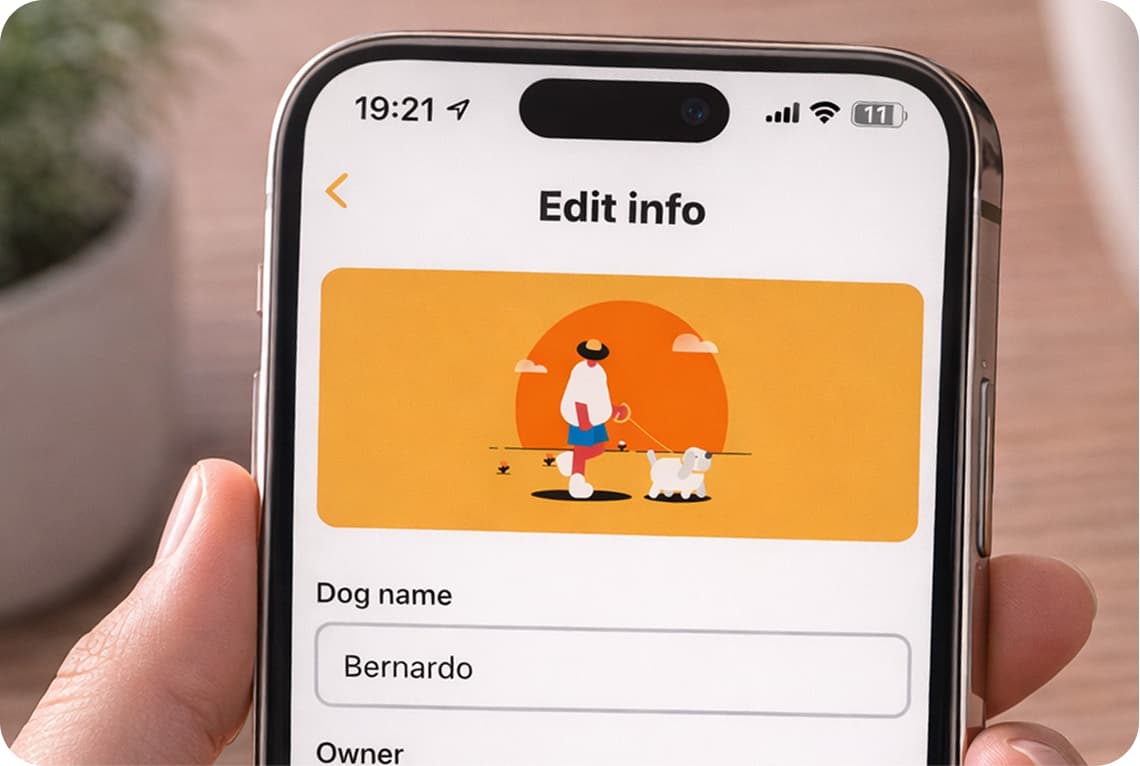

Izradite profil svog psa
Ispunite profil svog psa informacijama koje će pomoći da se vaš pas vrati kući. Spremite podatke profila.
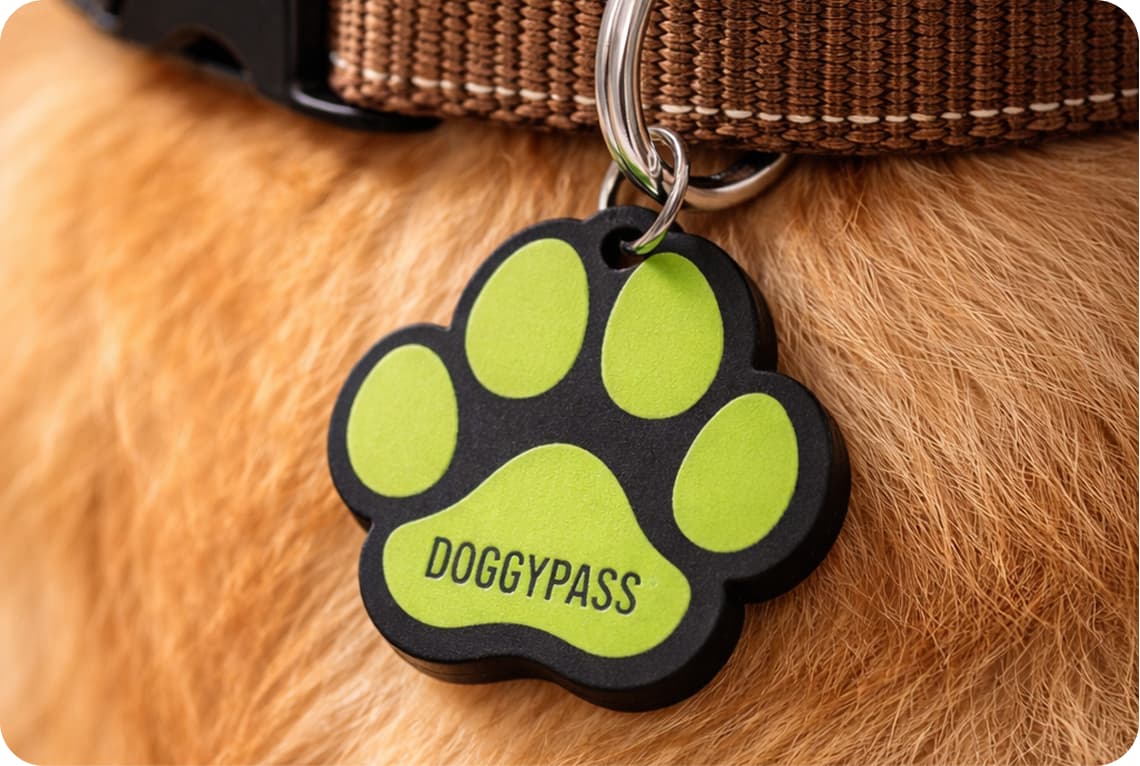

Pričvrstite oznaku na ogrlicu psa
Nakon spremanja, vaša DOGGYPASS oznaka je aktivna. Pričvrstite je na ogrlicu psa kako bi uvijek bila dostupna ako zatreba.
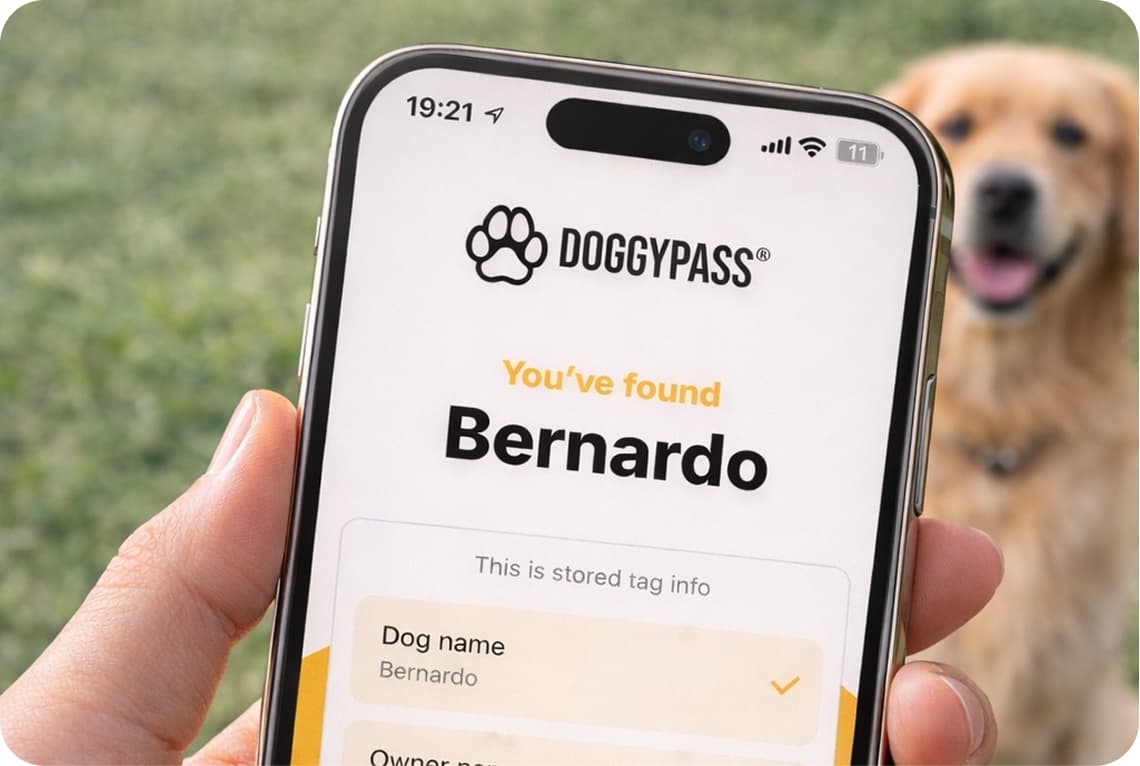

Svatko može pomoći
Kada netko pronađe vašeg psa, može jednostavno prisloniti telefon na oznaku kako bi vidio podatke o vašem psu. Nije potrebna aplikacija.
Naruči Doggypass